

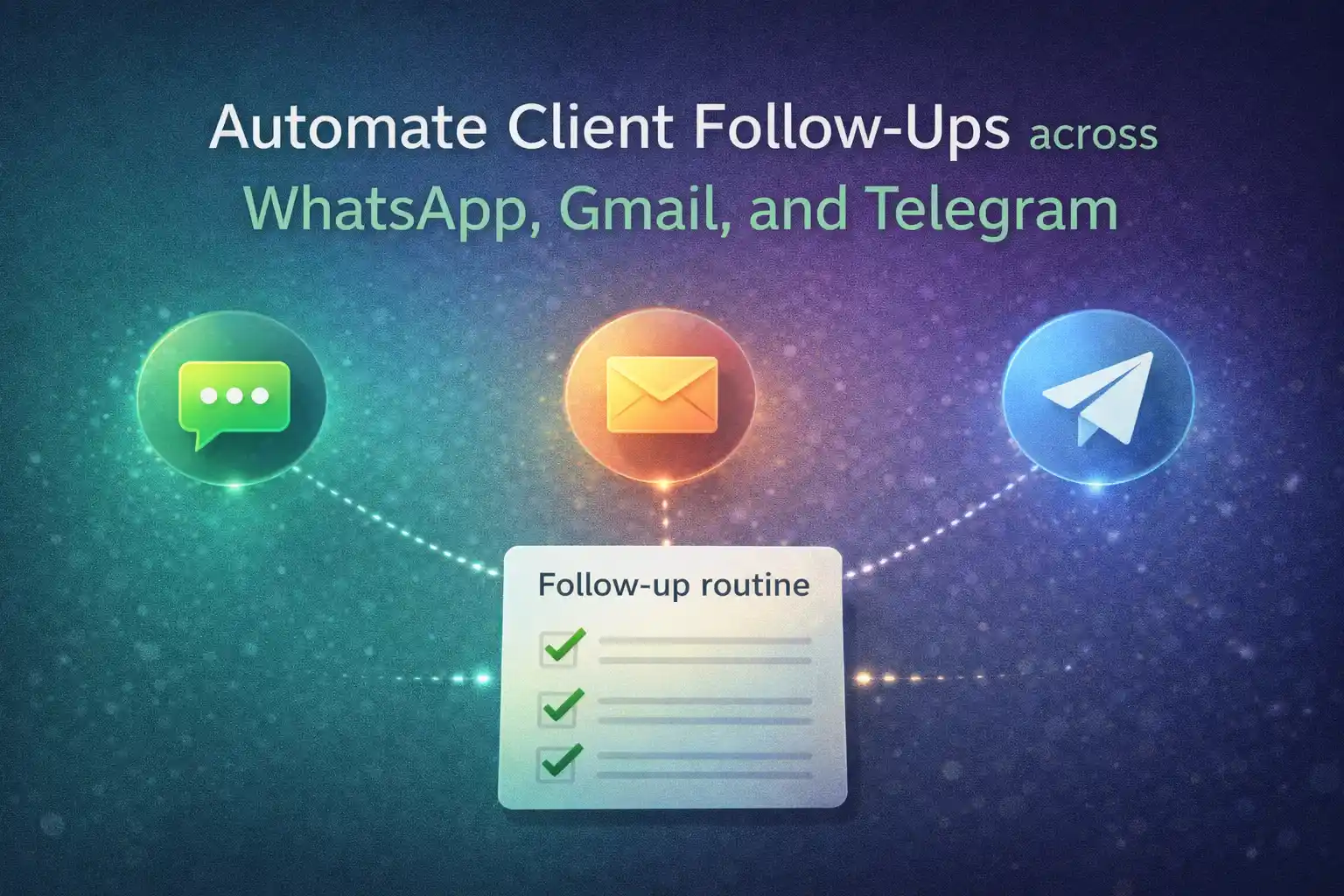
फॉलो-अप्स पहली मैसेज से ज़्यादा मायने रखते हैं
अधिकांश डील पहली मैसेज में बंद नहीं होती। लोग आपका संदेश देखते हैं, ध्यान भटकता है, और फिर आप चैट्स और ईमेल्स के ढेर के नीचे गायब हो जाते हैं।
सही समय पर भेजा गया एक सरल फॉलो-अप जवाबों को दोगुना कर सकता है, लेकिन व्हाट्सएप, जीमेल, और टेलीग्राम पर इसे हाथ से करना थकाने वाला है। यहीं एक छोटा, अच्छी तरह डिजाइन किया हुआ फॉलो-अप सिस्टम मदद करता है।
एक सरल फॉलो-अप सिस्टम कैसा दिखता है (CRM की ज़रूरत नहीं)
नियमित रहने के लिए आपको बड़ा CRM नहीं चाहिए। एक बेसिक फॉलो-अप सिस्टम के तीन हिस्से होते हैं:
- लोगों की एक सूची जिनसे आप फिर से संपर्क करना चाहते हैं।
- संदेशों की एक छोटी सी सीक्वेंस (चरण 1, चरण 2, चरण 3)।
- एक शेड्यूल जो सही समय पर ये फॉलो-अप भेजे।
आप इसे व्हाट्सएप, जीमेल, और टेलीग्राम पर चला सकते हैं। मुख्य बात है इसे सरल और सम्मानजनक रखना, स्पैम जैसा नहीं।
व्हाट्सएप, जीमेल, और टेलीग्राम कब इस्तेमाल करें
तीनों चैनल उपयोगी हैं, लेकिन अलग परिस्थितियों में बेहतर काम करते हैं:
| परिस्थिति के अनुसार सबसे अच्छा चैनल | किसके लिए बेहतर | क्यों फिट बैठता है | उदाहरण फॉलो-अप |
|---|---|---|---|
|
व्हाट्सएप
तेज़, व्यक्तिगत
|
वार्म लीड्स, मौजूदा क्लाइंट्स
एक निजी हल्का-सा नज जैसा लगता है
|
जो लोग पहले से आपसे चैट पर बात करते हैं
|
“हाय @recipient_first_name, आपके ऑर्डर पर एक छोटा-सा फॉलो-अप। कोई सवाल?”
|
|
जीमेल
लंबा, अधिक औपचारिक
|
कोट्स, प्रपोज़ल, डॉक्यूमेंट्स
प्रोफेशनल लगता है
|
जब आपको फॉर्मेटिंग या अटैचमेंट चाहिए
|
“इसे आपके इनबॉक्स के ऊपर लाने के लिए बस एक छोटा-सा रिमाइंडर। किसी भी बात पर स्पष्टता चाहिए तो बताइए।”
|
|
टेलीग्राम
टेक-फ्रेंडली, कम्युनिटी फील
|
कम्युनिटीज, चैनल, टेक यूज़र्स
क्रिप्टो, डेवलपर्स, और निच ग्रुप्स में आम
|
अपडेट्स और क्विक DMs जहाँ टेलीग्राम डिफ़ॉल्ट ऐप है
|
“मैंने पहले जो अपडेट शेयर किया था, उस पर एक क्विक चेक-इन। कोई फीडबैक?”
|
3 सरल फॉलो-अप सीक्वेंस जिन्हें आप बार-बार इस्तेमाल कर सकते हैं
यहाँ तीन सीक्वेंस हैं जिन्हें आप चैनल्स के पार चला सकते हैं। इन्हें जानबूझकर छोटा रखा गया है ताकि यह सामान्य लगे, दबाव जैसा नहीं। इन्हें शुरुआत मानकर टोन अपने हिसाब से ढालें।
1) नया लीड (3 टच)
- चरण 1 (उसी दिन) – व्हाट्सएप या ईमेल: “हाय @recipient_first_name, बस वही जानकारी शेयर कर रहा/रही हूँ जो हमने चर्चा की थी। अगर मदद हो, तो मैं आपके लिए सबसे अच्छा विकल्प भी सुझा सकता/सकती हूँ।”
- चरण 2 (2–3 दिन बाद) – वही चैनल: “क्विक फॉलो-अप @recipient_first_name। क्या आप इस हफ्ते आगे बढ़ना चाहेंगे, या मैं बाद में फिर से पूछूँ?”
- चरण 3 (1 हफ्ते बाद) – वही चैनल: “मेरी तरफ से आख़िरी फॉलो-अप @recipient_first_name। अगर अभी के लिए नहीं, तो बिल्कुल ठीक। क्या मैं इसे बंद कर दूँ?”
2) मौजूदा क्लाइंट्स (डिलीवरी के बाद चेक-इन)
- चरण 1 (डिलीवरी के 1–2 दिन बाद) – व्हाट्सएप: “हाय @recipient_first_name, बस चेक कर रहा/रही हूँ। अब तक सब ठीक काम कर रहा है?”
- चरण 2 (1 हफ्ते बाद) – व्हाट्सएप या ईमेल: “अगर कुछ भी उलझन भरा या ठीक नहीं लग रहा, बताइए, मैं आपके लिए इसे ठीक कर दूँगा/दूँगी।”
3) मिस्ड अपॉइंटमेंट या कॉल
- चरण 1 (उसी दिन) – व्हाट्सएप: “हाय @recipient_first_name, आज हम आपको मिस कर गए। क्या आप @day_of_week को @time_12h पर किसी और स्लॉट के लिए रीशेड्यूल करना चाहेंगे?”
- चरण 2 (2–3 दिन बाद) – व्हाट्सएप या SMS: “कोई बात नहीं। क्या मैं आपके लिए इस हफ्ते या अगले हफ्ते एक स्लॉट रखूँ?”
TikTask के स्मार्ट वेरिएबल का उपयोग ताकि संदेश इंसानी लगे
TikTask आपको अपने टेम्पलेट्स में स्मार्ट वेरिएबल डालने देता है ताकि फॉलो-अप ऐसा लगे जैसे वह किसी असली व्यक्ति के लिए लिखा गया है, कॉपी-पेस्ट नहीं।
- @recipient_first_name – व्यक्तिगत अभिवादन।
- @my_first_name – साफ़ करता है कि कौन लिख रहा है।
- @day_of_week और @time_12h – लोगों को ठीक-ठीक समय समझने में मदद करता है।
- @my_contact_details – अगर आप एक सरल “मुझसे ऐसे संपर्क करें” जोड़ना चाहें।
TikTask में यह वर्कफ़्लो कैसे बनाएं (स्टेप बाय स्टेप)
यहाँ TikTask के साथ इसे सेटअप करने का एक सरल तरीका है ताकि यह अपने आप चले, और नियंत्रण आपके पास रहे।
सम्मानजनक रहें: ऑप्ट-इन, टाइमिंग, और एग्ज़िट
ऑटोमेशन शक्तिशाली है, लेकिन अगर आप भूल जाएँ कि दूसरी तरफ एक इंसान है, तो यह परेशान करने वाला भी बन सकता है।
छोटे से शुरू करें, फिर सिस्टम को बढ़ने दें
नियमित रहने के लिए आपको बड़ा CRM नहीं चाहिए। व्हाट्सएप, जीमेल, और टेलीग्राम पर एक छोटा फॉलो-अप सिस्टम भी आपको उन ज़्यादातर लोगों से आगे कर देता है जो सिर्फ याददाश्त पर निर्भर रहते हैं।
एक सीक्वेंस और एक सूची से शुरू करें। जब यह काम करने लगे, तब आप और चैनल, और सूचियाँ, और रूटीन जोड़ सकते हैं। TikTask रूटीन को चलाए रखता है, ताकि आप असली बातचीत पर फोकस कर सकें।