

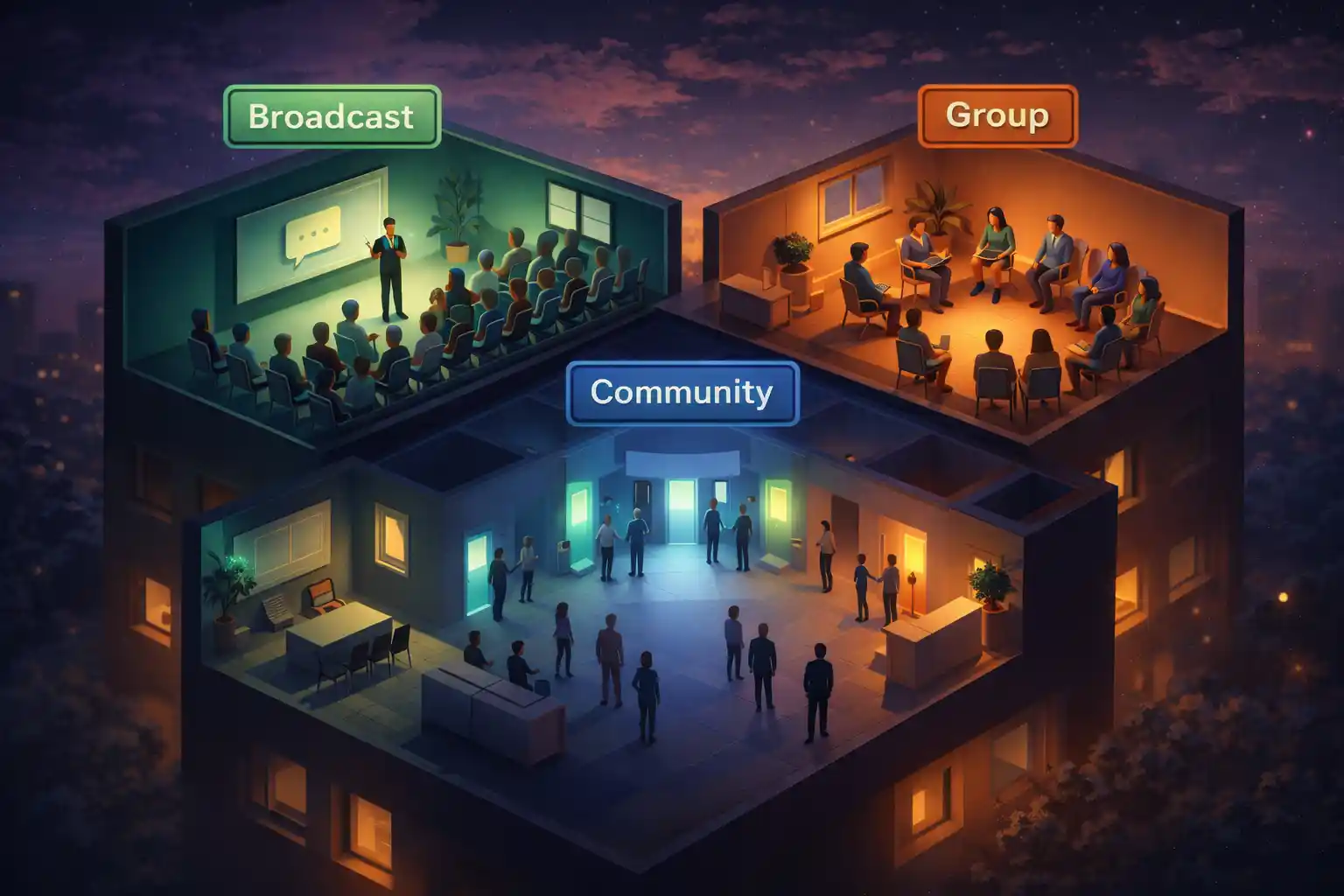
सीधी बात: ये 3 अलग-अलग मार्केटिंग टूल हैं
अधिकांश लोग गलत व्हाट्सएप फ़ॉर्मेट चुन लेते हैं क्योंकि वे “जो जाना-पहचाना लगता है” उसी पर जाते हैं। लेकिन ब्रॉडकास्ट लिस्ट, ग्रुप और कम्युनिटी अलग तरह से काम करते हैं, और यही आपके नतीजे बदल देता है।
यह गाइड आपको मार्केटिंग अपडेट्स, प्रमो, रिमाइंडर्स और कस्टमर एंगेजमेंट के लिए सही विकल्प चुनने में मदद करती है, बिना स्पैम किए या ऑडियंस को दूर किए।
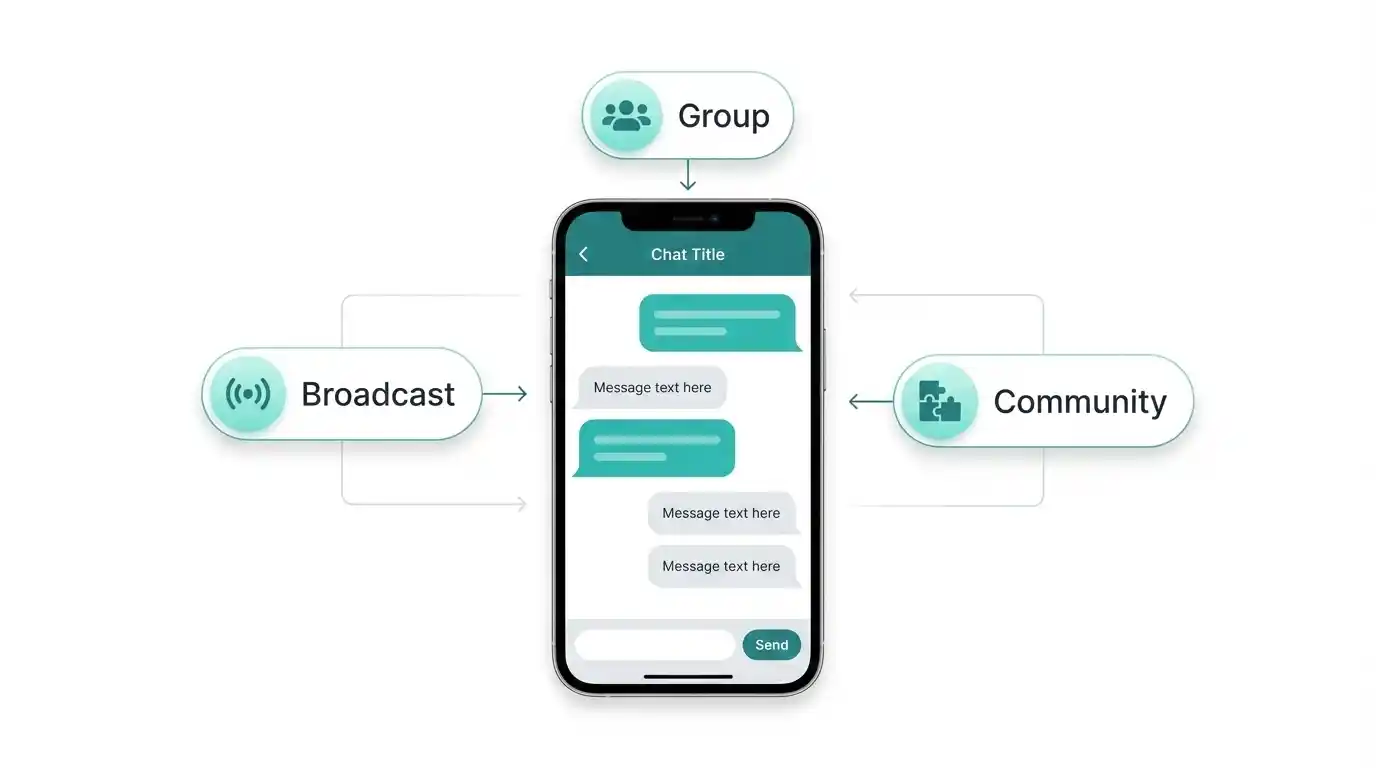
त्वरित परिभाषाएँ (आसान शब्दों में)
1) ब्रॉडकास्ट लिस्ट
आप एक संदेश भेजते हैं, और कई लोग उसे एक सामान्य निजी चैट की तरह पाते हैं। प्राप्तकर्ता एक-दूसरे को नहीं देखते। साफ़-सुथरे “अपडेट्स” के लिए बढ़िया।
2) ग्रुप
सब बात कर सकते हैं। सदस्य एक-दूसरे को देखते हैं। चर्चा, सपोर्ट और कम्युनिटी एनर्जी के लिए बढ़िया।
3) कम्युनिटी
एक “कंटेनर” जो कई ग्रुप्स को एक ही छत के नीचे व्यवस्थित करता है, और एक घोषणाएं स्पेस देता है जहाँ एडमिन सभी को अपडेट पोस्ट करते हैं। जब आपके पास कई संबंधित ग्रुप्स हों और आपको स्ट्रक्चर चाहिए, तब सबसे अच्छा।
मार्केटिंग के लिए क्या इस्तेमाल करें (रियल उदाहरण)
यह “बेस्ट फिट” मैपिंग है। थ्योरी नहीं, असल ज़िंदगी में यही काम करता है।
| मार्केटिंग लक्ष्य के अनुसार सबसे अच्छा व्हाट्सएप फ़ॉर्मेट | सबसे अच्छा फ़ॉर्मेट | क्यों फिट बैठता है | उदाहरण |
|---|---|---|---|
|
साप्ताहिक प्रमो / ऑफर
वन-वे अपडेट
|
ब्रॉडकास्ट लिस्ट
पर्सनल मैसेज जैसा लगता है, साफ़ रहता है
|
ग्रुप का शोर नहीं
लोग निजी तौर पर जवाब दे सकते हैं
|
“सिर्फ़ इस हफ्ते: 15% ऑफ। लिंक चाहिए तो रिप्लाई करें।”
|
|
कस्टमर सपोर्ट + Q&A
कई-से-कई
|
ग्रुप
लोग एक-दूसरे की मदद करते हैं, आप एक बार में जवाब दे सकते हैं
|
बातचीत ही फीचर है
|
“अपने सवाल यहाँ डालें, हम रोज़ जवाब देंगे।”
|
|
कोर्स / कोहोर्ट / मेंबरशिप
स्ट्रक्चर्ड कम्युनिटी
|
कम्युनिटी
कई ग्रुप्स + घोषणाएँ से स्ट्रक्चर मिलता है
|
1 बड़े ग्रुप से बेहतर स्केल करता है
|
घोषणाएँ + अलग ग्रुप: लेसन, Q&A, उपलब्धियाँ
|
|
अपॉइंटमेंट रिमाइंडर्स
प्राइवेट रिमाइंडर
|
ब्रॉडकास्ट (छोटा) या 1:1 संदेश
पर्सनल या बैच पर निर्भर
|
प्राइवेट बेहतर है
कम दबाव, बेहतर जवाब
|
“रिमाइंडर: कल शाम 5:00। पुष्टि/पुनर्निर्धारित करें रिप्लाई करें।”
|
|
नए प्रोडक्ट अपडेट्स
सरल रखें
|
ब्रॉडकास्ट लिस्ट
पर्सनल लगता है, कम अव्यवस्था
|
छोटे अपडेट्स के लिए बढ़िया
|
“नया आइटम लाइव है। आज की फोटो चाहिए?”
|
जो लोग मिस करते हैं: सीमाएँ और अपेक्षाएँ
ब्रॉडकास्ट लिस्ट शानदार लगती है… जब तक आप बड़े नहीं होते। व्हाट्सएप ऐप में ब्रॉडकास्ट अक्सर सीमित होते हैं (अकसर एक लिस्ट में करीब 256 कॉन्टैक्ट), और कई मामलों में ब्रॉडकास्ट सिर्फ़ उन्हीं तक पहुँचता है जिन्होंने आपका नंबर सेव किया हो। इसका मतलब यह “ग्रोथ हैक” नहीं, बल्कि “कॉन्टैक्ट में रहने का टूल” है।
ग्रुप्स और कम्युनिटीज़ में “नंबर सेव” वाली उम्मीद उतनी नहीं होती, लेकिन उन्हें ज़्यादा मॉडरेशन और स्पष्ट उद्देश्य चाहिए। अगर ग्रुप सिर्फ़ प्रमो वॉल बन गया, लोग उसे म्यूट कर देंगे या छोड़ देंगे।
TikTask के साथ आप क्या शेड्यूल कर सकते हैं (स्मार्ट, स्पैम नहीं)
शेड्यूलिंग का सबसे अच्छा उपयोग दोहराया जाने वाला काम कम करना है, वॉल्यूम बढ़ाना नहीं। ये वो रूटीन हैं जिन्हें लोग सच में पसंद करते हैं:
- साप्ताहिक प्रमो (हफ्ते में 1 संदेश, तय दिन और समय)।
- नए स्टॉक/मेनू अपडेट्स (छोटा और विज़ुअल)।
- अपॉइंटमेंट रिमाइंडर्स (कन्फ़र्मेशन + रिमाइंडर)।
- फ़ॉलो-अप (2 नरम टच, फिर रुक जाएँ)।
- कस्टमर केयर चेक-इन (खरीद के बाद: “सब ठीक है?”)।
एक सरल निर्णय फ्लो (20 सेकंड में चुनें)
आम गलतियाँ जो नतीजे खराब कर देती हैं
- ग्रुप को प्रमो वॉल बना देना (लोग जल्दी म्यूट करते हैं)।
- बहुत ज़्यादा पोस्ट करना (अच्छा कंटेंट भी शोर बन जाता है)।
- कोई स्पष्ट उद्देश्य नहीं (“मैं यहाँ क्यों हूँ?”)।
- ऑप्ट-इन या एग्ज़िट नहीं (“मैं इसे कैसे रोकूँ?”)।
- कम्युनिटी स्ट्रक्चर की जगह एक बहुत बड़ा ग्रुप (बहुत शोर)।
सीधा निष्कर्ष
ब्रॉडकास्ट साफ़ प्राइवेट अपडेट्स के लिए है। ग्रुप बातचीत के लिए है। कम्युनिटी कई ग्रुप्स को घोषणाएं के साथ व्यवस्थित करने के लिए है।
अगर आप हर बार याद करके चीज़ें भेजने की बजाय मार्केटिंग रूटीन चलाना चाहते हैं, तो TikTask में रूटीन एक बार शेड्यूल करें और फ्रीक्वेंसी सम्मानजनक रखें।