

Die meisten Menschen achten auf Privatsphäre, sie wollen nur keine Hausaufgaben
„Datenschutzfreundlich“ wird oft benutzt, aber es bedeutet häufig nichts. Hier ist die einfache Version: Wo lebt dein Nachrichteninhalt, und wer kann darauf zugreifen?
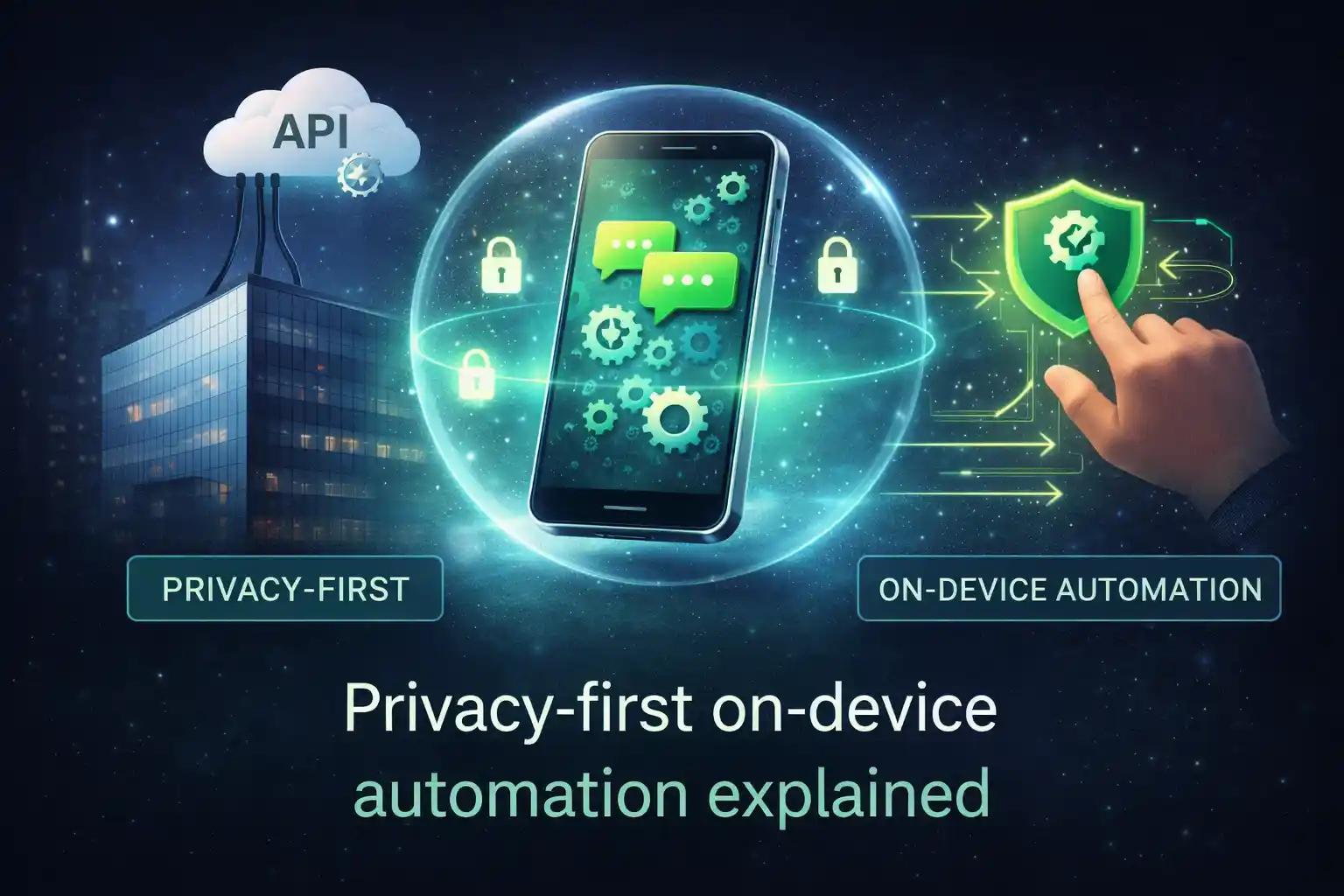
On-device-Automatisierung bedeutet: die Arbeit passiert auf deinem Handy, nicht auf fremden Servern. Das verändert, welche Daten überhaupt dein Gerät verlassen müssen.
Was „on-device-Automatisierung“ bedeutet
On-device-Automatisierung ist simpel: Du planst etwas, und dein Handy führt es zur geplanten Zeit aus.
Es ist näher an „Routine einstellen“ als an „Nachrichten von einem Server senden“. Dein Handy ist der Motor.
Warum das für Privatsphäre wichtig ist
Wenn eine Automatisierung in der Cloud läuft, braucht die Cloud Zugriff auf den Inhalt, das Timing und meistens auch die Empfänger. Das ist normal für Cloud-Tools, aber es ist trotzdem eine Datenschutz-Abwägung.
Wenn Automatisierung auf deinem Gerät läuft, kann der Standard sein: dein Inhalt bleibt bei dir. So verlässt weniger sensible Information überhaupt dein Handy.
| On-device vs. Cloud-Automatisierung (Datenschutz-Sicht) | On-device-Automatisierung | Cloud-Automatisierung |
|---|---|---|
|
Wo dein Nachrichteninhalt lebt
|
Auf deinem Handy
Standard ist lokale Speicherung
|
Auf Servern
Inhalt wird oft in der Cloud gespeichert/verarbeitet
|
|
Was minimiert werden kann
|
Daten, die das Gerät verlassen
Weniger „Kopieren“ von Inhalt auf Server
|
Schwer zu vermeiden
Cloud-Tools brauchen serverseitigen Zugriff
|
|
Haupt-Trade-off
|
Android-Zuverlässigkeits-Einstellungen
Akku-Limits können Tasks verzögern
|
Vertrauen in den Anbieter
Richtlinien, Speicherung, Zugriffskontrollen
|
Was TikTask speichert (und was nicht)
TikTask ist so gebaut, dass dein eigentlicher Automatisierungsinhalt auf deinem Gerät bleibt. Das umfasst deine Tasks, Zeitpläne, Textsammlungen und Empfängerlisten.
Das Backend ist hauptsächlich für Konto-Zugriff und Abos da. Dein Routine-Inhalt soll nicht in eine „TikTask-Cloud“ gespiegelt werden.
- Auf deinem Gerät gespeichert: Tasks, Zeitpläne, Textsammlungen, Empfängerlisten, Vorlagen, Nachrichteninhalt.
- Im Backend gespeichert: Login-Daten (E-Mail/Social) und Abo-/Transaktionsdaten (für Premium).
- Optional: Google Drive-Backup, wenn du es aktivierst (wie ein persönliches Backup, keine geteilte Cloud).
Wenn es datenschutzfreundlich ist, warum braucht es Berechtigungen?
Das ist der Teil, der viele verwirrt: Datenschutzfreundlich bedeutet nicht „keine Berechtigungen“. Es bedeutet, die App kann ihren Job machen, ohne deinen Inhalt an einen Server zu senden.
Auf Android braucht ein Scheduler bestimmte Berechtigungen, um zuverlässig zu laufen (und Aktionen zur richtigen Zeit auszulösen).
- Bedienungshilfe (Accessibility): hilft TikTask, geplante Aktionen zuverlässig auszuführen.
- Benachrichtigungen: für Hinweise, Bestätigungen und Zuverlässigkeits-Signale.
- Overlays (wenn du On-Screen-Alerts nutzt): um Timer/Alerts bei Bedarf oben einzublenden.
- Akku-Einstellungen: damit Android deine Zeitpläne nicht verzögert.
Eine kurze Datenschutz-Checkliste, bevor du irgendwas automatisierst
Die ehrliche Kernaussage
On-device-Automatisierung ist ein datenschutzfreundlicher Ansatz, weil dadurch weniger sensibler Inhalt dein Handy verlassen muss. Der Trade-off sind Android-Zuverlässigkeits-Einstellungen, die TikTask über Systemmonitor und Setup-Checklisten leichter macht.
Wenn du Routinen für Alltag und Marketing willst, ohne deine Nachrichten zu „Cloud-Daten“ zu machen, ist On-device-Automatisierung der sauberste Startpunkt.