

TikTask logo TikTask
Privacy-first automation: what “on-device” really means
Getting started • 9 min read • Updated 2025-12-04

Privacy-first automation: what “on-device” really means

On-device automation is not “cloud automation on your phone”. It’s a different approach with different privacy trade-offs. Here’s what it means in real life, and why it matters.

Privacy-first On-device Automation Android Trust

Most people care about privacy, they just don’t want homework

“Privacy-first” gets used a lot, but it often means nothing. Here’s the simple version: where does your message content live, and who can access it?

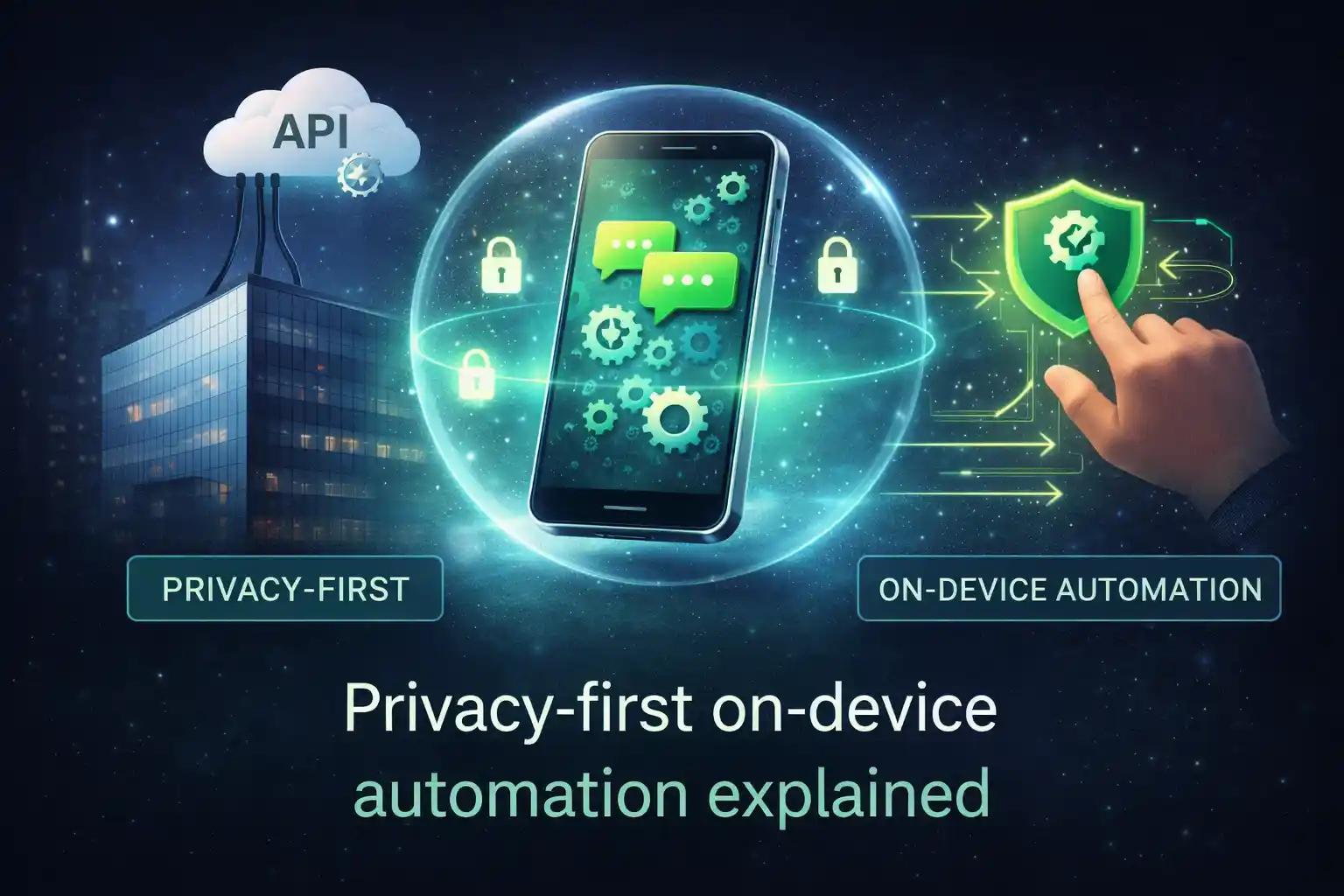
On-device automation means the work happens on your phone, not on someone else’s servers. That changes what data needs to leave your device in the first place.

What “on-device automation” means

On-device automation is simple: you schedule something, and your phone performs it at the scheduled time.

It’s closer to “set a routine” than “send messages from a server”. Your phone is the engine.

Plain-language version
If your phone is off, or Android blocks background activity, the automation may be delayed. That’s why reliability settings matter on Android.

Why this matters for privacy

If an automation runs in the cloud, the cloud needs access to the content, the timing, and usually the recipients. That is normal for cloud tools, but it is still a privacy trade-off.

If automation runs on your device, the default can be: your content stays with you. That reduces the amount of sensitive information that ever leaves your phone.

On-device vs cloud automation (privacy view) On-device automation Cloud automation
Where your message content lives
On your phone
Default is local storage
On servers
Content often stored/processed in the cloud
What can be minimized
Data leaving the device
Less “copying” of content to servers
Hard to avoid
Cloud tools need server-side access
Main trade-off
Android reliability settings
Battery limits can delay tasks
Trust in the provider
Policies, storage, access controls

What TikTask stores (and what it doesn’t)

TikTask is built to keep your actual automation content on your device. That includes your tasks, schedules, buckets, and recipient lists.

The backend is mainly for account access and subscriptions. Your routine content is not meant to be mirrored to a “TikTask cloud”.

  • Stored on your device: tasks, schedules, buckets, recipient lists, templates, message content.
  • Stored on backend: login credentials (email/social) and subscription/transaction records (for Premium).
  • Optional: Google Drive backup if you choose to enable it (like a personal backup, not a shared cloud).

If it’s privacy-first, why does it need permissions?

This is the part that confuses people: privacy-first does not mean “no permissions”. It means the app can do its job without sending your content to a server.

On Android, a scheduler needs certain permissions to run reliably (and to trigger actions at the right time).

  • Accessibility: helps TikTask perform scheduled actions consistently.
  • Notifications: for alerts, confirmations, and reliability signals.
  • Overlays (if you use on-screen alerts): for showing timers/alerts on top when needed.
  • Battery settings: to prevent Android from delaying your schedules.
Simple takeaway
Permissions help your phone run the routine. Privacy-first means your routine content doesn’t need to live on someone else’s servers.

A quick privacy checklist before you automate anything

✅ I understand where my automation content is stored (local vs cloud).
✅ I use opt-in lists for marketing updates.
✅ I keep frequency reasonable (most people prefer 1 to 2 updates per week).
✅ I only enable permissions I actually use (TikTask explains why each one matters).
✅ If I enable backup, I know it’s my Drive backup and I can turn it off any time.

The honest bottom line

On-device automation is a privacy-friendly approach because it reduces how much sensitive content needs to leave your phone. The trade-off is Android reliability settings, which TikTask helps you manage through System Monitor and setup checklists.

If you want routines that cover daily life and marketing without turning your messages into “cloud data”, on-device automation is the cleanest starting point.

On-device privacy FAQ

Does on-device automation mean “nothing ever leaves the phone”?
It means your automation content can stay local by default. Some services (like optional backup) are opt-in.
Why does reliability matter more on some phones?
Some brands aggressively limit background activity to save battery. TikTask’s System Monitor helps you change the right settings.
Is cloud automation always bad?
Not at all. It can be great for official scale and integrations. It’s just a different privacy trade-off and often more setup.