

TikTask logo TikTask
Official WhatsApp API vs on-device automation: what’s the real difference?
Official vs unofficial • 10 min read • Updated 2025-11-25

Official WhatsApp API vs on-device automation: what’s the real difference?

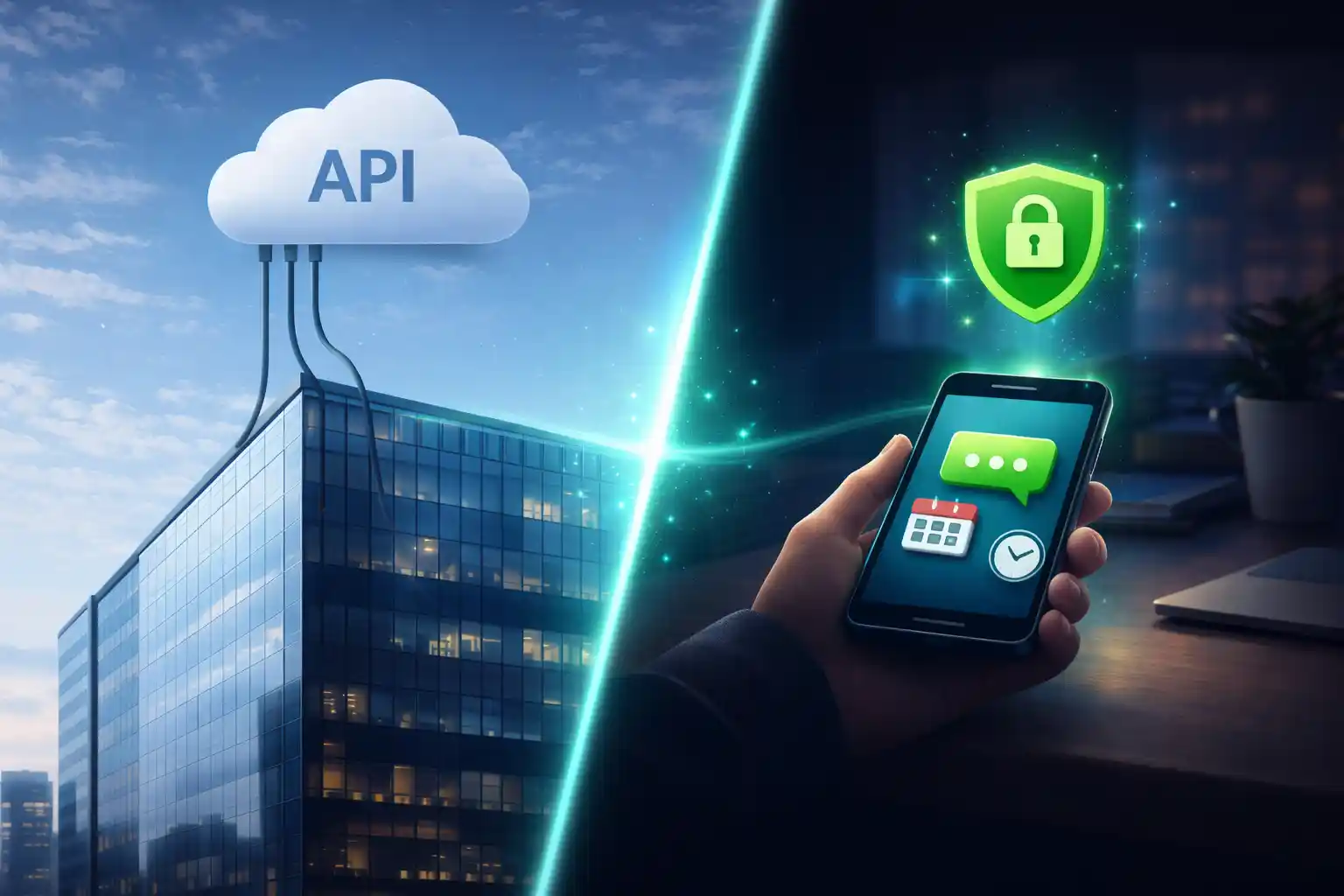
Two totally different approaches: the official WhatsApp Business Platform (API) vs on-device automation apps like TikTask. Here’s how to pick what fits your workflow.

WhatsApp API On-device automation Privacy-first Reliability Small business

People say “WhatsApp automation” but mean different things

When someone asks for “WhatsApp automation”, they usually want one of two things:

  • An official business messaging system (the WhatsApp Business Platform API), or
  • A practical routine tool that runs from the phone at a scheduled time (on-device automation).

Both can be useful. They just solve different problems. This post explains the difference, with real examples, so you can choose the right approach without wasting weeks.

What “Official WhatsApp API” actually is

The official option is the WhatsApp Business Platform (Cloud API). It lets businesses send and receive WhatsApp messages programmatically from a business phone number. It is designed for scale, compliance, and integration with business systems.

  • You usually connect it to a backend or a provider stack.
  • Messaging often follows structured policies and templates.
  • It is built for teams, customer support pipelines, and CRM-level workflows.
Pricing is part of the deal
The WhatsApp Business Platform charges based on delivered messages and message categories. If you need official scale, this is normal. If you only need routines, this can be overkill.

What on-device automation means (TikTask style)

On-device automation means your Android phone runs the action at the scheduled time. It is closer to “run my routine later” than “send messages from a server”.

TikTask is built around that idea. It is a routine engine for daily life routines and marketing routines. You can build reusable workflows instead of rebuilding campaigns from scratch each time.

  • Fast start: no backend, no provider onboarding, no long setup.
  • Better for routines: follow-ups, reminders, weekly promos, sequences.
  • Privacy-first by default: your task content stays on your device unless you choose optional backup.
  • Workflow structure: recipient lists, buckets, smart variables, recurring rules.

Real examples: what people actually use

Here’s a simple way to map common tools into the two worlds:

Examples of “official” vs “on-device” tools Official platform approach On-device automation approach
Typical examples
Not exhaustive, just familiar references
WhatsApp Business Platform (Cloud API)
Server-based messaging platform
TikTask, SKEDit, Wasavi, Auto Text
Phone-based scheduling and automation tools
What it feels like
Day-to-day experience
A business system
Setup, templates, processes, integrations
A routine tool
Schedule and run routines from your phone
Where bulk sender tools fit
Bulk outreach is a different workflow
Some businesses do bulk via official systems
With policies and cost at scale
Bulk Sender for Marketing and similar tools
Built for importing lists and bulk outreach
Important nuance
On-device tools can be great for routines. Bulk sender tools are for bulk outreach. Those are not the same job, and they come with different risks and expectations.

The trade-off that matters most: reliability

On-device automation depends on Android allowing background execution. Some phones aggressively limit background work to save battery. That can delay schedules if your device is not configured properly.

This is exactly why TikTask includes System Monitor. It shows the settings that matter (battery optimization, auto-start, notifications, overlays, exact alarms) and often deep-links you to the right screens.

✅ Battery optimization for TikTask is disabled
✅ Auto-start or background activity is allowed (OEM dependent)
✅ Notifications are allowed (so alerts can show when needed)
✅ Overlays are allowed (if you use on-screen alerts)
✅ Exact alarms are allowed on newer Android versions (if required)

Which one should you use?

Use this simple rule: choose the approach that matches your operational reality.

1. Choose TikTask (on-device) if…
You want to start today, run repeatable routines (daily life + marketing), personalize messages, and keep it simple and privacy-first by default.
2. Choose a WhatsApp utility scheduler if…
You mainly want WhatsApp-first scheduling utilities and do not need a full routine engine.
3. Choose a bulk sender if…
Your main workflow is importing lists and running bulk outreach campaigns. Keep it opt-in and paced.
4. Choose WhatsApp Business API if…
You need official compliance, templates, webhooks, integrations, and scale across teams.
A practical path
Many creators and small businesses start with TikTask to run routines fast, then move to the official API only if they truly outgrow phone-based workflows.

Final takeaway

If you want a routine engine that supports both daily life routines and marketing routines, TikTask is the best starting point. If you need official scale and deep integrations, the WhatsApp Business API is the right long-term foundation.

Official vs on-device automation FAQ

Is on-device automation the same as the WhatsApp API?
No. On-device automation runs on your phone. The WhatsApp Business API is a server-based platform designed for business integrations and scale.
Why do on-device schedulers need Android permissions?
Because Android protects background execution. Permissions help the scheduler run reliably at the right time, especially on phones with aggressive battery limits.
Do I need the API for small business follow-ups?
Usually no. For follow-ups, reminders, and weekly promos, TikTask is faster and simpler. The API is best when you need official compliance and integrations at scale.