

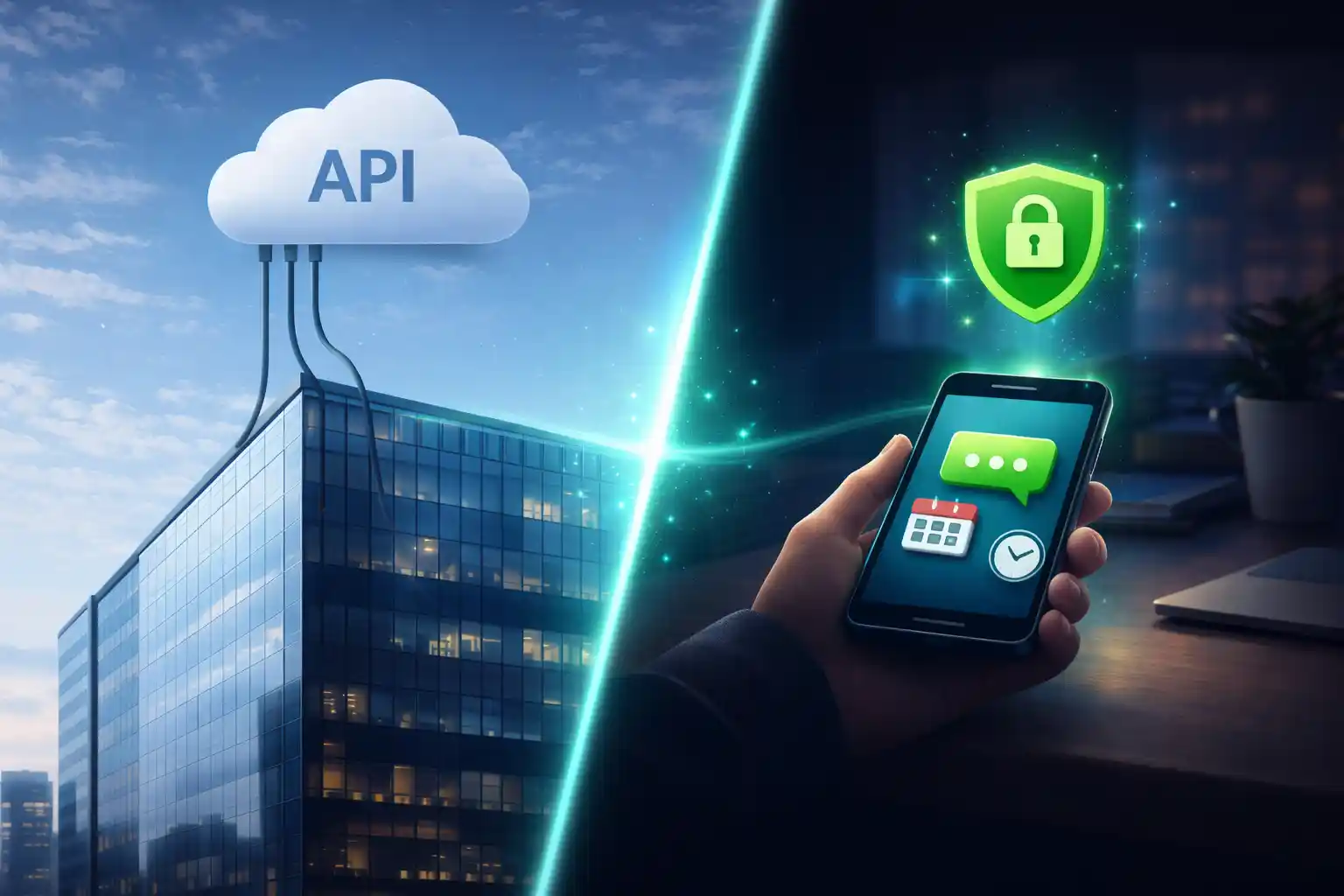
La gente dice “automazione WhatsApp” ma intende cose diverse
Quando qualcuno chiede “automazione WhatsApp”, di solito vuole una di queste due cose:
- Un sistema ufficiale di messaggistica business (WhatsApp Business Platform API), oppure
- Uno strumento pratico di routine che gira sul telefono a un orario programmato (automazione on-device).
Entrambi possono essere utili. Semplicemente risolvono problemi diversi. Questo post spiega la differenza, con esempi reali, così puoi scegliere l’approccio giusto senza sprecare settimane.
Che cos’è davvero l’“API WhatsApp ufficiale”
L’opzione ufficiale è la WhatsApp Business Platform (Cloud API). Permette alle aziende di inviare e ricevere messaggi WhatsApp in modo programmatico da un numero business. È progettata per scala, conformità e integrazione con i sistemi aziendali.
- Di solito la colleghi a un backend o a uno stack di provider.
- La messaggistica spesso segue policy strutturate e template.
- È fatta per team, pipeline di customer support e flussi in stile CRM.
Cosa significa automazione on-device (stile TikTask)
Automazione on-device significa che il tuo telefono Android esegue l’azione all’orario programmato. È più simile a “esegui la mia routine più tardi” che a “invia messaggi da un server”.
TikTask è costruito attorno a questa idea. È un motore di routine per routine quotidiane e routine di marketing. Puoi costruire flussi riutilizzabili invece di ricreare campagne da zero ogni volta.
- Partenza rapida: niente backend, niente onboarding con provider, niente setup lungo.
- Meglio per le routine: follow-up, promemoria, promo settimanali, sequenze.
- Privacy-first per impostazione predefinita: il contenuto delle attività resta sul dispositivo a meno che tu non scelga il backup opzionale.
- Struttura del flusso: Liste destinatari, Bucket di testo, Variabili intelligenti, regole ricorrenti.
Esempi reali: cosa usa davvero la gente
Ecco un modo semplice per mappare strumenti comuni nei due mondi:
| Esempi di strumenti “ufficiali” vs “on-device” | Approccio piattaforma ufficiale | Approccio automazione on-device |
|---|---|---|
|
Esempi tipici
Non esaustivo, solo riferimenti familiari
|
WhatsApp Business Platform (Cloud API)
Piattaforma di messaggistica basata su server
|
TikTask, SKEDit, Wasavi, Auto Text
Strumenti di programmazione e automazione basati sul telefono
|
|
Com’è nell’uso
Esperienza quotidiana
|
Un sistema business
Setup, template, processi, integrazioni
|
Uno strumento di routine
Programma ed esegue routine dal telefono
|
|
Dove si collocano i bulk sender
Il bulk outreach è un flusso diverso
|
Alcune aziende fanno bulk tramite sistemi ufficiali
Con policy e costi su scala
|
Bulk Sender for Marketing e strumenti simili
Fatti per importare liste e outreach bulk
|
Il trade-off che conta di più: affidabilità
L’automazione on-device dipende dal fatto che Android consenta l’esecuzione in background. Alcuni telefoni limitano aggressivamente il lavoro in background per risparmiare batteria. Questo può ritardare le programmazioni se il dispositivo non è configurato correttamente.
È proprio per questo che TikTask include Monitor di sistema. Mostra le impostazioni che contano per la tua famiglia di telefoni, come ottimizzazione batteria, avvio automatico, permessi speciali Xiaomi, restrizioni batteria in background, notifiche o overlay per gli avvisi, e spesso ti porta direttamente alle schermate giuste.
Quale dovresti usare?
Usa questa regola semplice: scegli l’approccio che corrisponde alla tua realtà operativa.
Conclusione finale
Se vuoi un motore di routine che supporti sia routine quotidiane sia routine di marketing, TikTask è il miglior punto di partenza. Se ti serve scala ufficiale e integrazioni profonde, la WhatsApp Business API è la base giusta sul lungo periodo.